Guide
How do I run political ads on Facebook?
Published · Updated
In this article, you will learn which conditions must be met to be authorised to run political ads on Facebook, how the verification works and how the required certification is carried out. In the run-up to the 2019 European elections, Facebook sent a strong signal against election manipulation. This affects everyone in politics and civil society who wants to run political advertising on Facebook or Instagram.
As a result of the changes, every user now has to verify their profile and create a disclaimer for the relevant Facebook page. For the verification, you need to verify your own identity and upload a notarially certified form.
Political ads on Facebook
Under the new process, a user can only be verified for one country, and the following must all relate to that country:
- Country of authorisation at user level
- Self-declared place of residence in the user profile
- Target audience in the country of authorisation
- Address of the ad account for the country of authorisation
- Payment method for the country of authorisation
In addition, you can only run political ads in the country in which you are registered, and no longer across borders. Anyone who wants to run political ads must therefore first go through an authorisation process and activate two-factor authentication. Users must then also label their political ads as such.
Verifying the identity of the Facebook profile
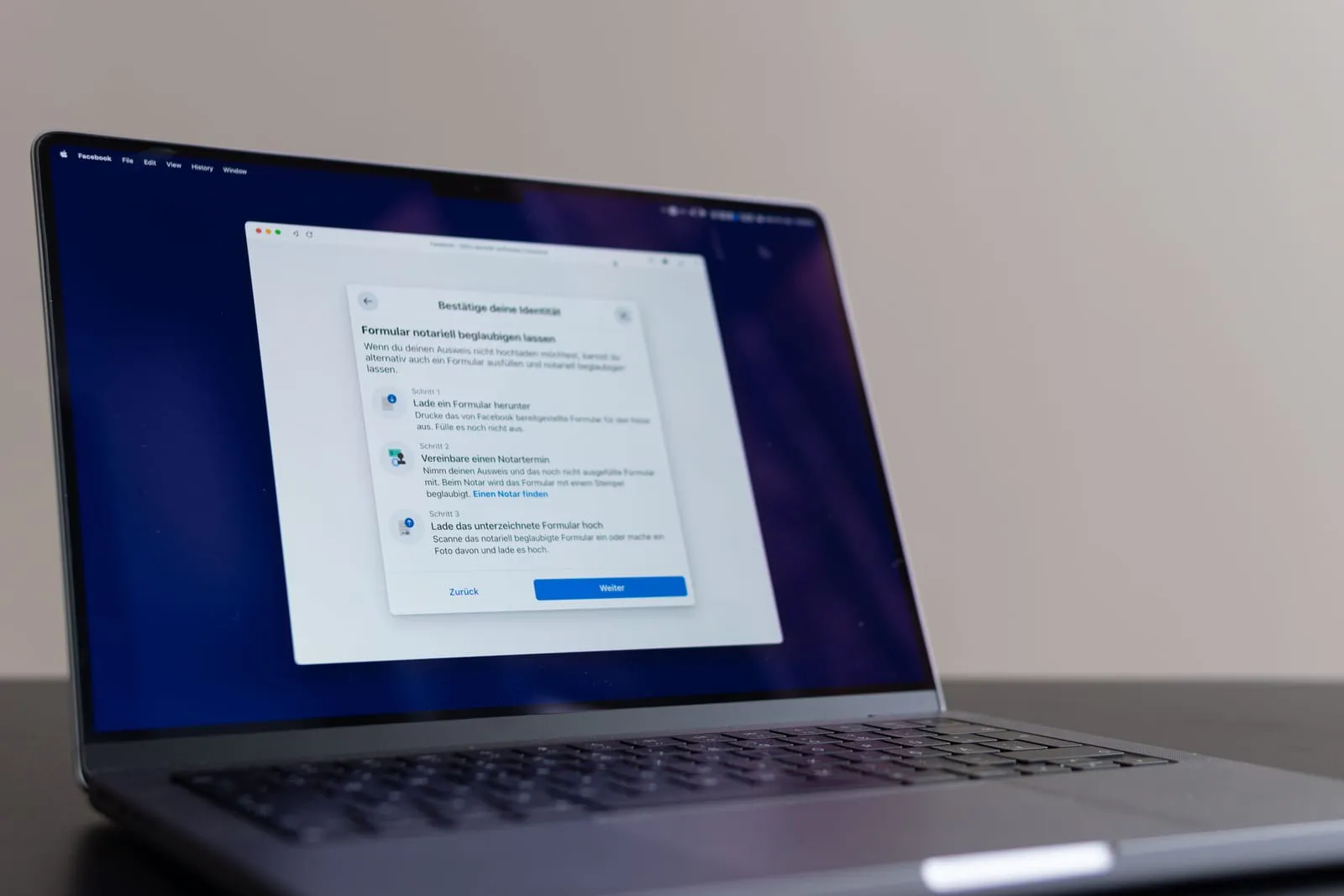
Once two-factor authentication has been set up successfully, you need to verify your identity. Facebook accepts a range of documents for this, such as your passport or driving licence. Alternatively, you can download a form from Facebook and have it notarised. The advantage is that you do not have to upload any personal documents directly to Facebook.
You can then have this form notarised and upload it directly to Facebook. Facebook deletes the data from its database after 30 days. Once this step is complete, you have to wait 48 hours while Facebook checks your identity. You will then receive a notification and, if the verification is successful, you are now authorised as a political advertiser on the platform.
Online certification of the form
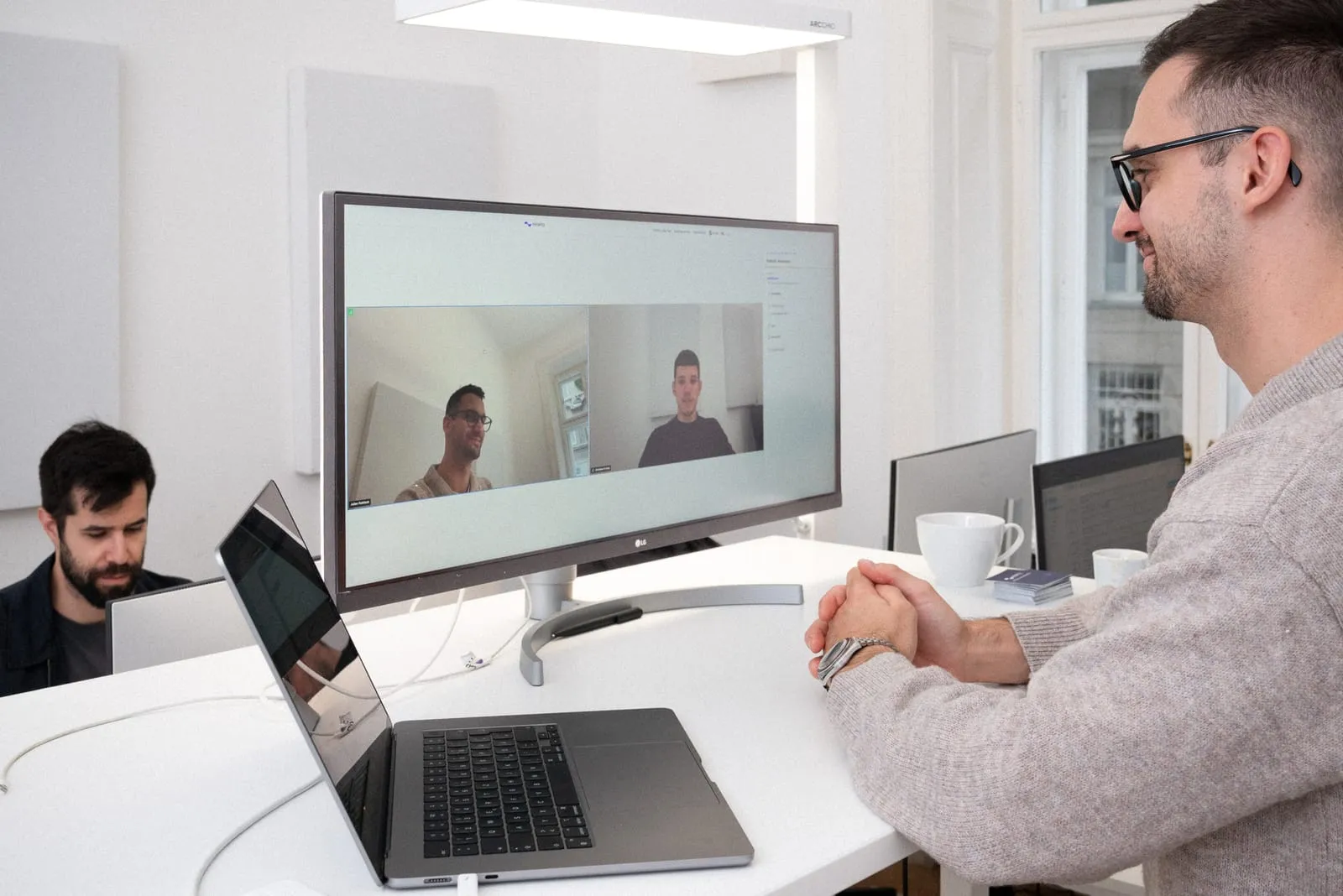
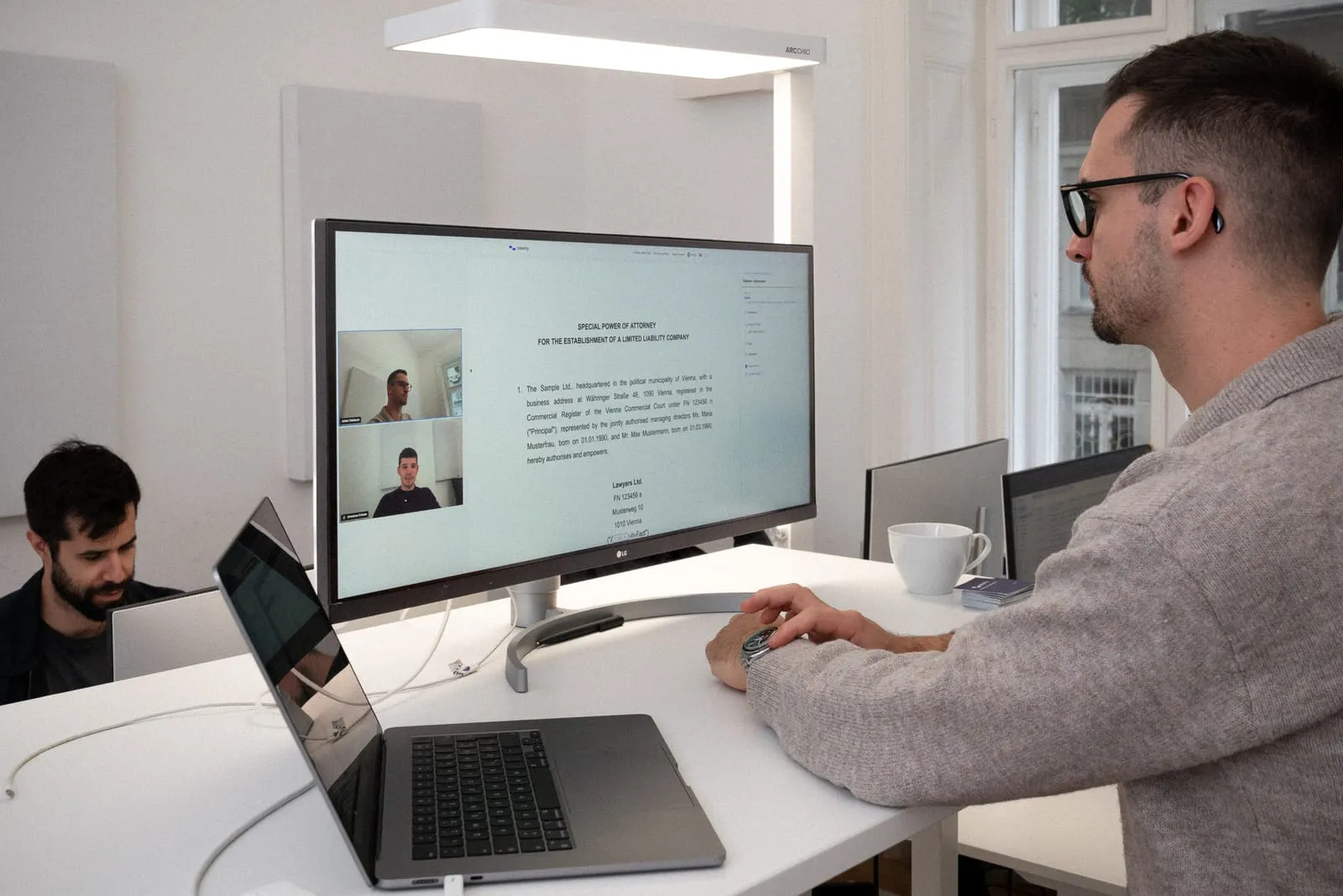
Once you have downloaded and filled in the form from Facebook, you need to have it notarised. A partner notary on the notarity platform can do this for you. Online appointments with partner notaries are available on weekdays between 7 am and 9 pm. The online certification takes place in a video call. Before the appointment, you need to register on the notarity web platform and verify your identity. This takes about 15 minutes. All you need is a valid ID card or passport and a smartphone.
Disclaimer for political advertising
Political advertising must be labelled as such for users. To do this, the profile must be linked to an ad account, where you must state who is paying for the political advertising. As this information is publicly accessible, it should be kept professional and ideally be the party’s details, although users can also enter their own personal details. Once all the details have been entered and confirmed, they must be submitted again and checked by Facebook. You will then have a new option at ad level in Business Manager and can label political ads as such. Business Manager has the advantage of delivering ads much more cost-efficiently and allowing a much stronger focus on the actual target audience.
Difference from normal advertising on Facebook
One difference from normal advertising is that these ads are now clearly labelled as relating to political or social issues. In addition, Facebook does not delete the data from the Facebook Ad Library; it remains there for seven years. With political advertising, you also receive detailed insights into how the ad was delivered (impressions, age, gender, budget and location).