How an online notarisation works
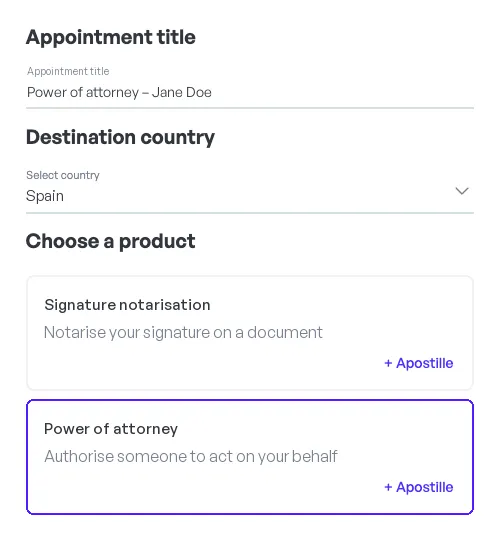
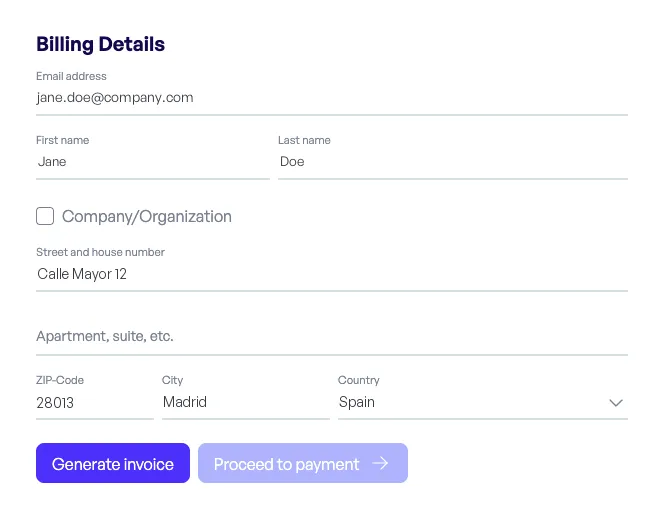
Book, verify your identity, meet a partner notary by video call and download the notarised document. Here is every step for individuals, businesses and partner notaries.
See the steps for:IndividualsBusinessesPartner notaries
Step by step
One appointment, seen from your side
Choose how you use notarity to see the steps that apply to you.
From booking to your notarised document
Everything happens online, from wherever you are. Most appointments take only a few minutes.

What you need
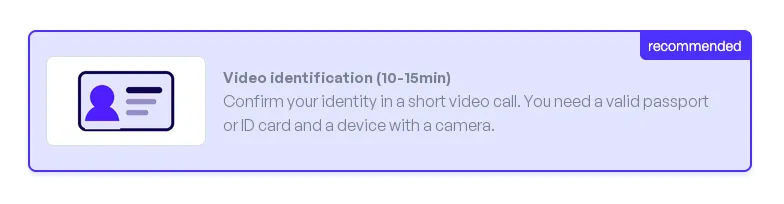
A valid identity document
The original document, not a scan or a photocopy.
A device with a camera
A smartphone, tablet or computer with a camera and microphone. Any common browser works, with nothing to install.
A stable internet connection
For the video call. If something does not work, notarity's support team helps.
Your document as a PDF
Word files and images cannot be signed, so convert them before you upload.
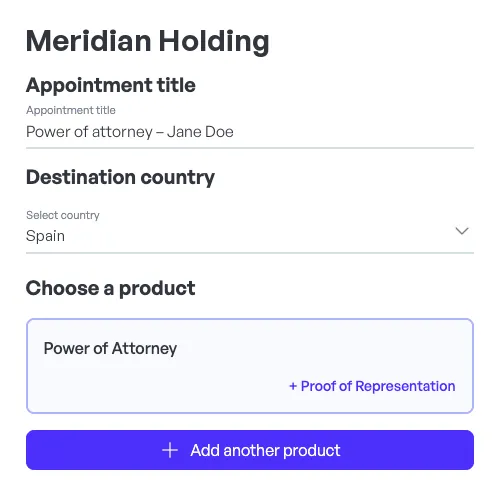
The same appointment, organised for your team
One company account, several signatories per document, and every notarised document in the company dashboard.

What you need
A valid identity document per signatory
The original document, not a scan or a photocopy.
A device with a camera per signatory
Each signatory joins from their own smartphone, tablet or computer, with nothing to install.
A stable internet connection
For the video call. If something does not work, notarity's support team helps.
Your documents as PDFs
Word files and images cannot be signed, so convert them before you upload.
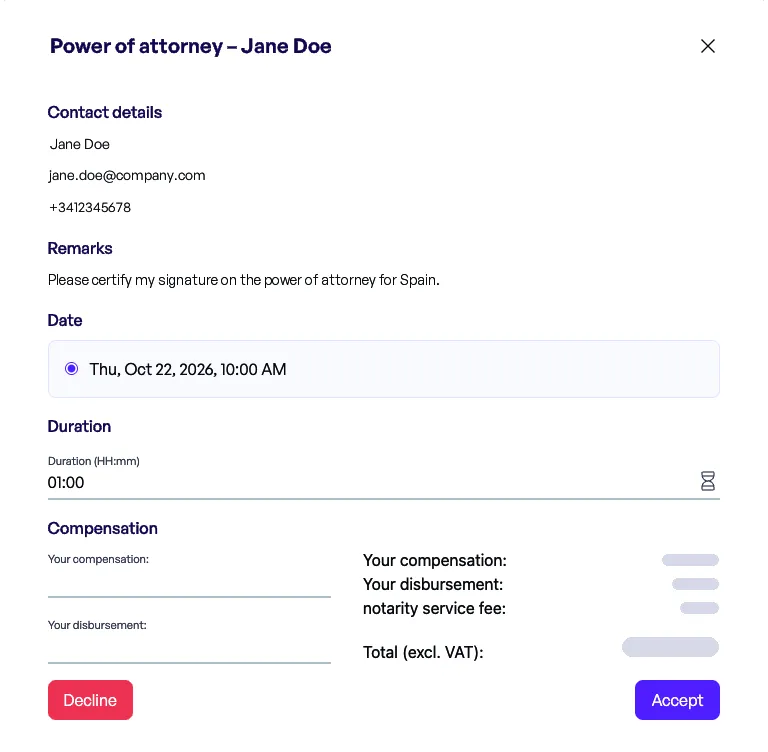
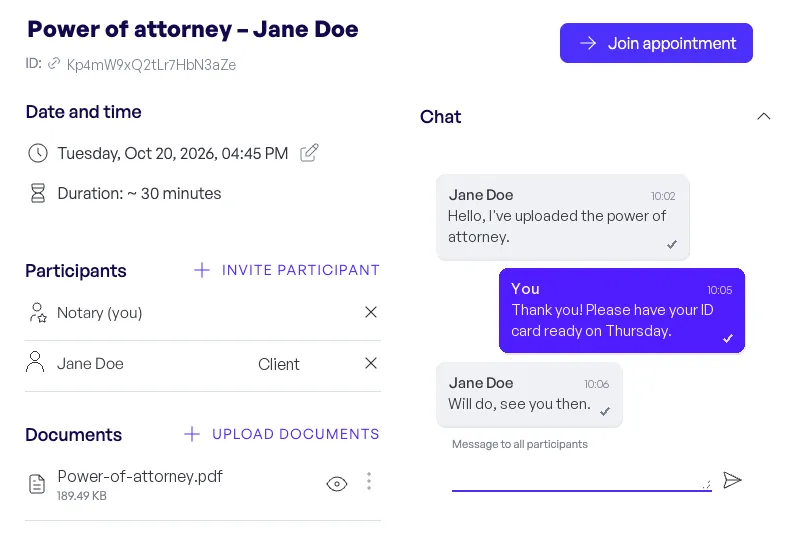
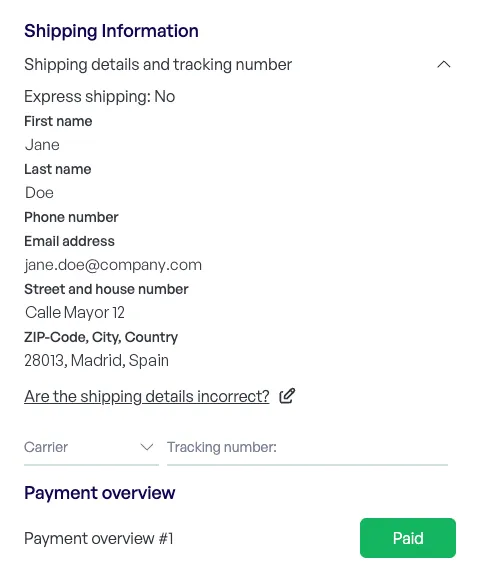
Your part is the notarial act
notarity takes care of the booking, the identity checks and the paperwork around each appointment, all in one tool in the browser.
Frequently asked questions
How long does an appointment take?
Most appointments take only a few minutes. Plan some time before it for the identity verification.
Do I need to install anything?
No. notarity runs in the browser on a smartphone, tablet or computer.
Can I take part from abroad?
Yes. Signatories join from wherever they are, as long as their identity document can be verified.
Does every service need a video appointment?
Most do. A certification of facts, for example, is completed without a video call.
Can several people sign the same document?
Yes. Everyone who signs needs their own notarity account and a verified identity, and all signatories join the same video appointment.
When can I download my documents?
Shortly after the appointment, once the partner notary has finalised them and payment is complete. Documents are not sent by email; you download them from your account.
Notarise your document with a partner notary
Book a slot and a partner notary on the notarity platform will notarise your document by secure video call.